 OpsCommand
For your role · Leadership
For leadership. Know what is down, and how fast it is fixed.
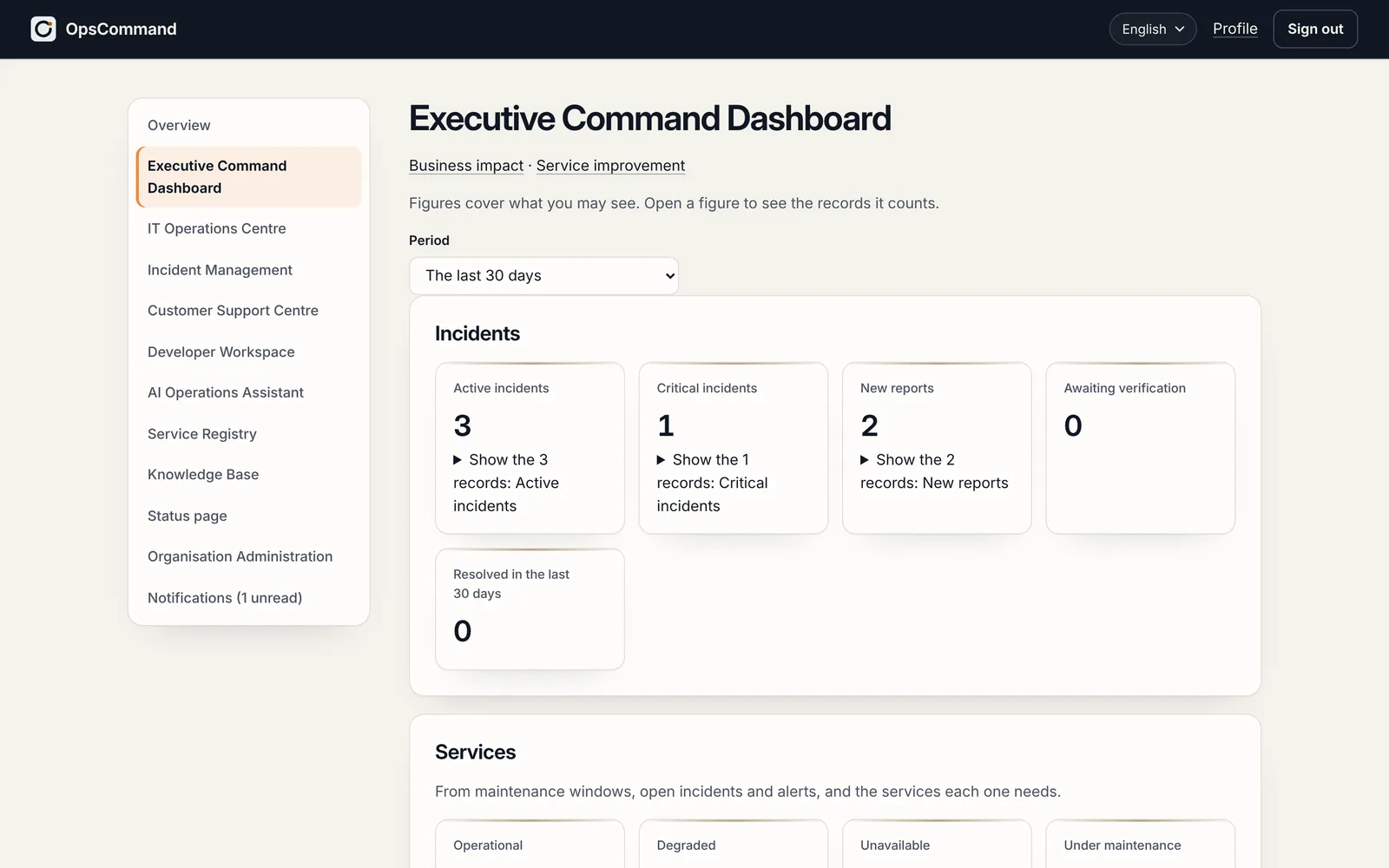
You answer for the service to customers and to the board. OpsCommand shows the condition of every digital service on one page, and keeps a record of every action.
Today, and with OpsCommand
What changes for your team.
Today
- You hear about outages from customers.
- Nobody can say how fast incidents are resolved, or whether that is improving.
- Who did what is pieced together from chat afterwards.
With OpsCommand
- 01
One page
What is down, what is major, what keeps failing, and how fast it is resolved.
- 02
Trends, not anecdotes
Time to acknowledge and to resolve, week by week, and each service’s error budget.
- 03
Every action on record
A tamper-evident audit log of who did what, and when, that you can export.
- 04
Your control
Your identity provider, your organisation’s data kept apart, and your own servers if your policies require it.
Getting started
Where you start.
- 01
Register your services with their owners
- 02
Agree an objective for each service
- 03
Follow incidents and trends on one page
See OpsCommand on your own services.
A 45-minute walkthrough with the people who run your services: one incident, from first alert to verified fix.
