 OpsCommand
Managed operations · OpsCommand Assisted
Your operations, watched and coordinated. Without staffing a team.
OpsCommand Assisted puts our operations team to work in your OpsCommand. We watch, triage, coordinate and communicate; your people fix, confirm and decide. You keep your systems, your account and the final say.
The service
What we do, and what stays yours.
What we do
- 01
Watch
Alerts, checks and customer reports in your OpsCommand, in business hours, and around the clock for critical incidents.
- 02
Triage
Confirm what is wrong, set severity, link reports and alerts, record the impact.
- 03
Get your people moving
Page your on-call and service owners, and escalate by your contact list.
- 04
Keep your customers informed
Status page updates and replies to the people who reported a problem, in Norwegian and English, from templates you approve.
- 05
Hand over with evidence
A developer handover with everything known, so your developers start at the cause.
- 06
Report every month
Incidents and response times, what recurred, what was learned and what we recommend.
What stays yours
Your systems and your code
We never touch your servers, cloud accounts or code. Your developers fix; you run your changes.
The final word on every fix
We check that a service is healthy again; you confirm and close.
Your account
We never hold your administrator role: OpsCommand refuses it, even if someone tries to grant it.
Reports to authorities
We watch the NIS2, GDPR and DORA deadlines and draft each report; you decide and submit.
Access
Through your front door
- 01
You invite our operations team into your OpsCommand, marked as OpsCommand Operations, with the Assisted role.
- 02
We work with the access that role gives, and nothing more.
- 03
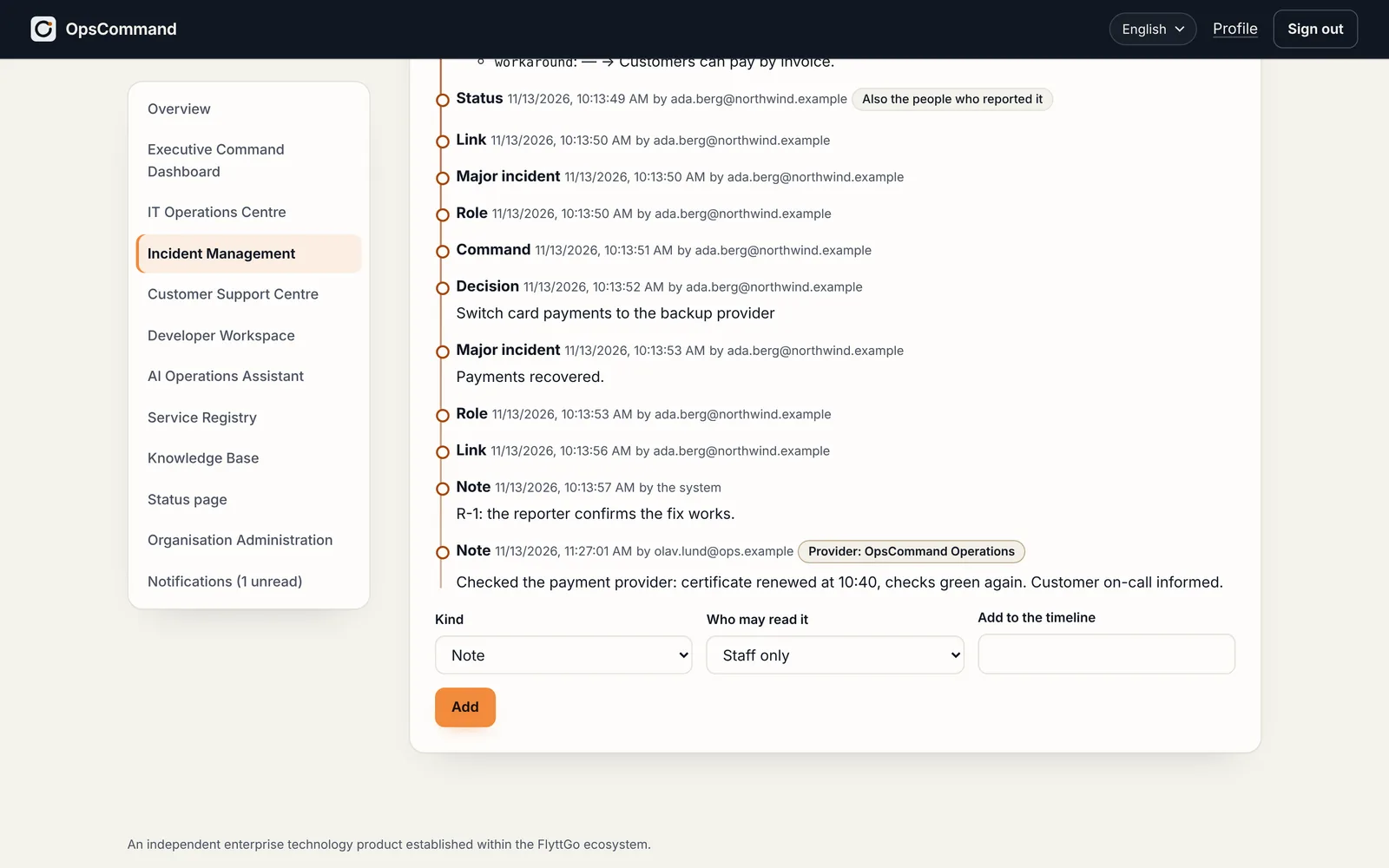
Every action we take is in your timeline and audit chain, marked as ours.
- 04
You remove us whenever you choose; our access ends at once.
Getting started
How to start
- 01
A conversation: your services, your people, what you need covered.
- 02
Two to three weeks of onboarding with us: services, monitors, on-call, status page, templates and the runbook of what we may do.
- 03
A test incident from detection to your confirmation, then go-live.
See OpsCommand on your own services.
A 45-minute walkthrough with the people who run your services: one incident, from first alert to verified fix.
