 OpsCommand
For your role · IT operations
For IT operations. Every incident owned, every service watched.
You answer for the services staying up. OpsCommand gives you one queue of incidents, each with an owner, and the condition of every service in one place.
Today, and with OpsCommand
What changes for your team.
Today
- Alerts arrive from several tools, and one failure raises a dozen of them.
- Nobody is sure who owns an incident until someone asks in chat.
- Customers report a problem before your monitoring does.
With OpsCommand
- 01
One queue
Alerts are grouped by rules you set per service, and critical ones open an incident with a timeline and an owner.
- 02
On-call that reaches someone
The owning team is paged by its escalation policy until someone acknowledges.
- 03
Checks from outside
Websites and APIs checked from outside, with health endpoints, heartbeats and journey monitors beside your own telemetry.
- 04
Objectives you can see
Each service’s availability against its objective, and its error budget for the month.
Getting started
Where you start.
- 01
Sign in with your identity provider
- 02
Register your services, their owners and what they depend on
- 03
Choose checks, alert rules and on-call
The areas you work in.
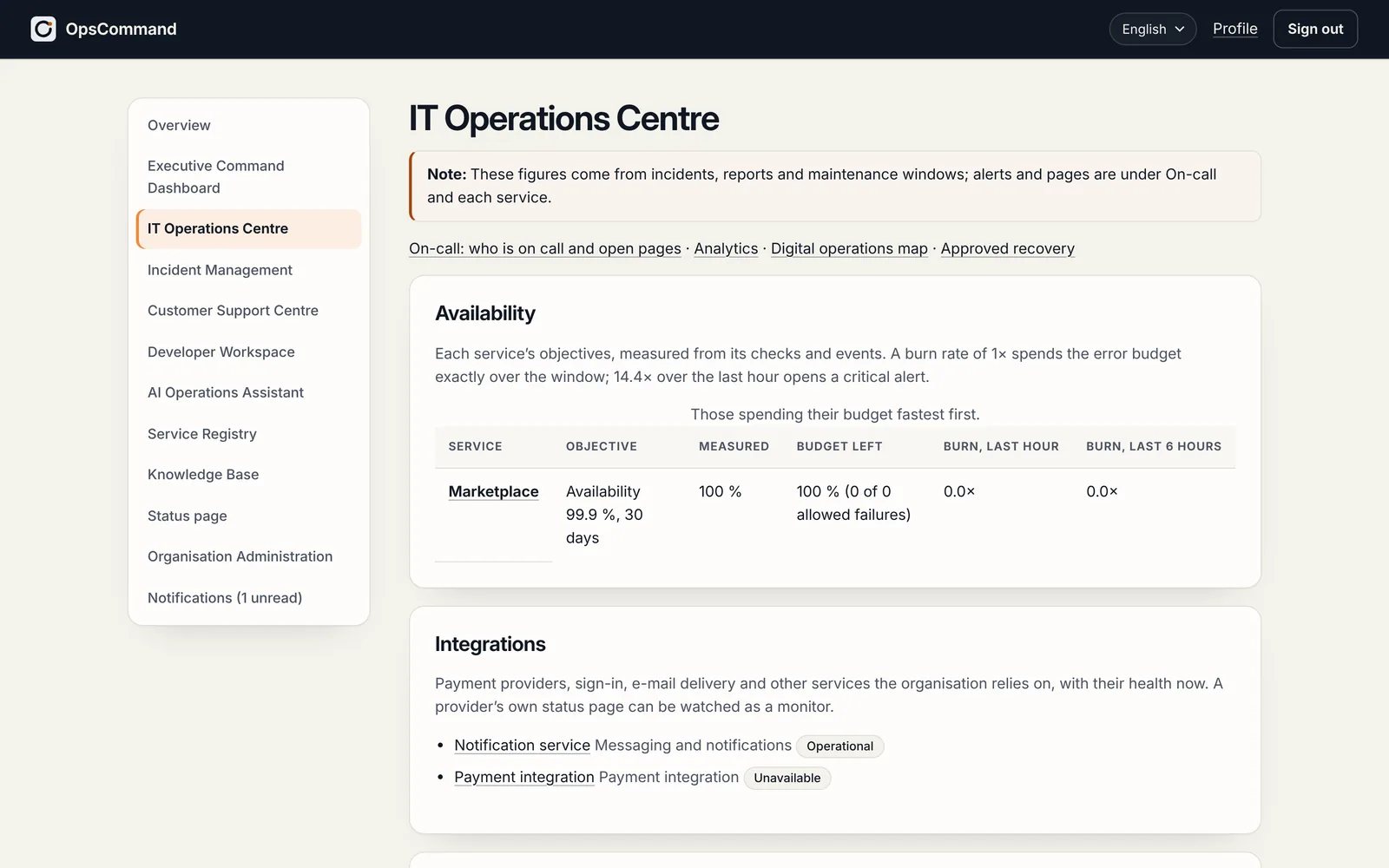
- IT Operations CentreQueues, availability against each service’s objectives, on-call and paging, trends, and analytics computed from the records.Areas
- Incident ManagementEvery incident through one lifecycle of eleven statuses, with its timeline, roles, links, verification of the fix, the review afterwards — and regulatory reports where the law asks for them.Areas
- Service RegistryEvery product, service and component, with its owners, dependencies, documents, objectives and monitors: the map everything else stands on.Areas
See OpsCommand on your own services.
A 45-minute walkthrough with the people who run your services: one incident, from first alert to verified fix.
